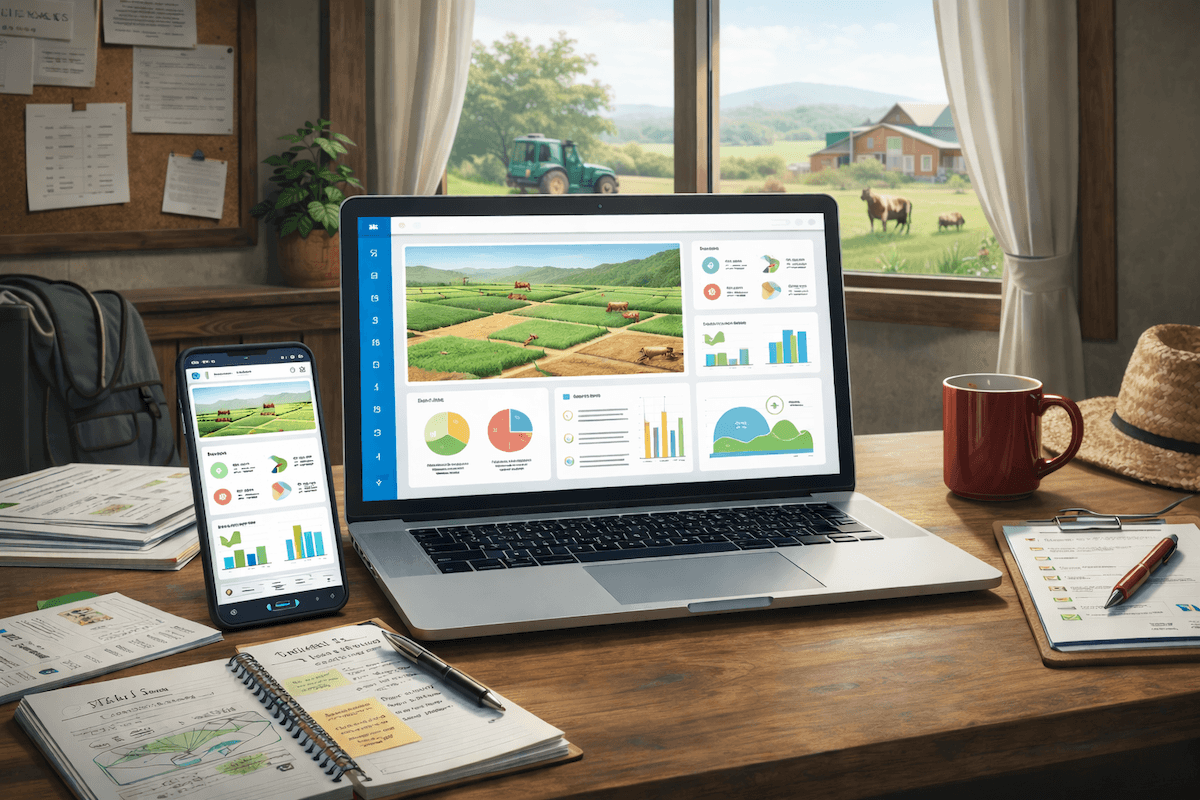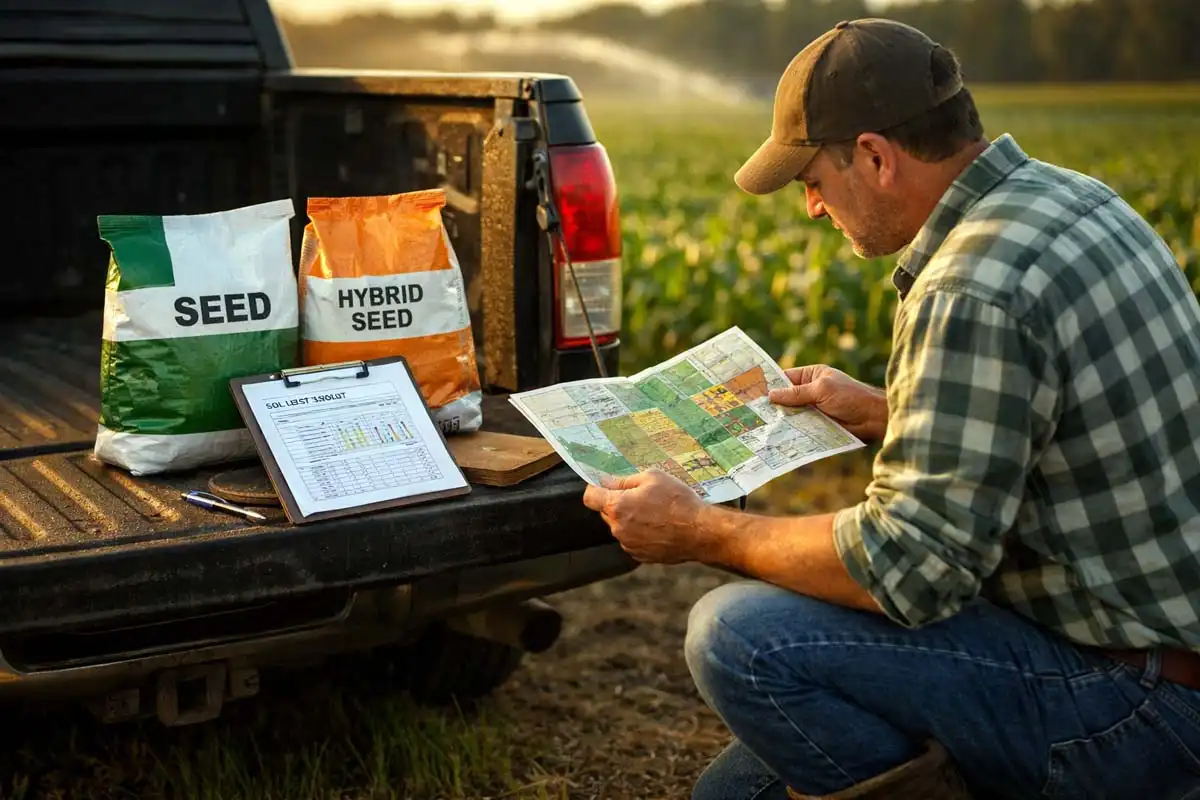
If you still keep field operation records by parcel in a paper notebook or Excel, you know the problem: forgotten sprays, unclear costs, and guessing what was done last season. A digital farm notebook is not “just another app”—it is a way to link every operation to a field, date, and cost.
This guide shows what to record, how to organize your logs, and how AgroProfit replaces the paper notebook with clear data for decisions, inspections, and profit.
Why Operation Records Must Be Field-Based
A farm-wide work list is not enough. You need:
- what was done on a specific field
- which crop and which date
- which input (seed, fertilizer, crop protection) and how much
- what it cost
- what the result was (yield, income, profit)
Without the chain operation → field → cost, you cannot tell which fields earn money and which lose it.
What to Enter in a Digital Farm Notebook
Core operations
- Tillage
- Planting / seeding
- Top-dressing and base fertilization
- Crop protection (product, rate, conditions)
- Irrigation (if used)
- Harvest and transport
With every entry
- Field and area
- Date and crop
- Material used and price
- Mechanization / labor (if you track it)
- Short note (weather, issues, observations)
Paper vs Excel vs Software
| Notebook | Excel | Digital software | |
|---|---|---|---|
| Speed of entry in the field | Slow | Weak | Strong (mobile) |
| Search by field | Hard | Medium | Fast |
| Link to costs | None | Manual | Automatic |
| Inspection reports | Manual | Manual | PDF/Excel |
| Season history | Gets lost | Chaotic | Archived |
A Simple Record System That Lasts
- Create a field list with names and areas
- Enter the same day after work—not “when you get around to it”
- Tie cost to the operation (not only the town purchase)
- Review monthly which fields spend the most
- After harvest compare profit by field and crop
Entry discipline is worth more than perfect software nobody uses.
How AgroProfit Helps
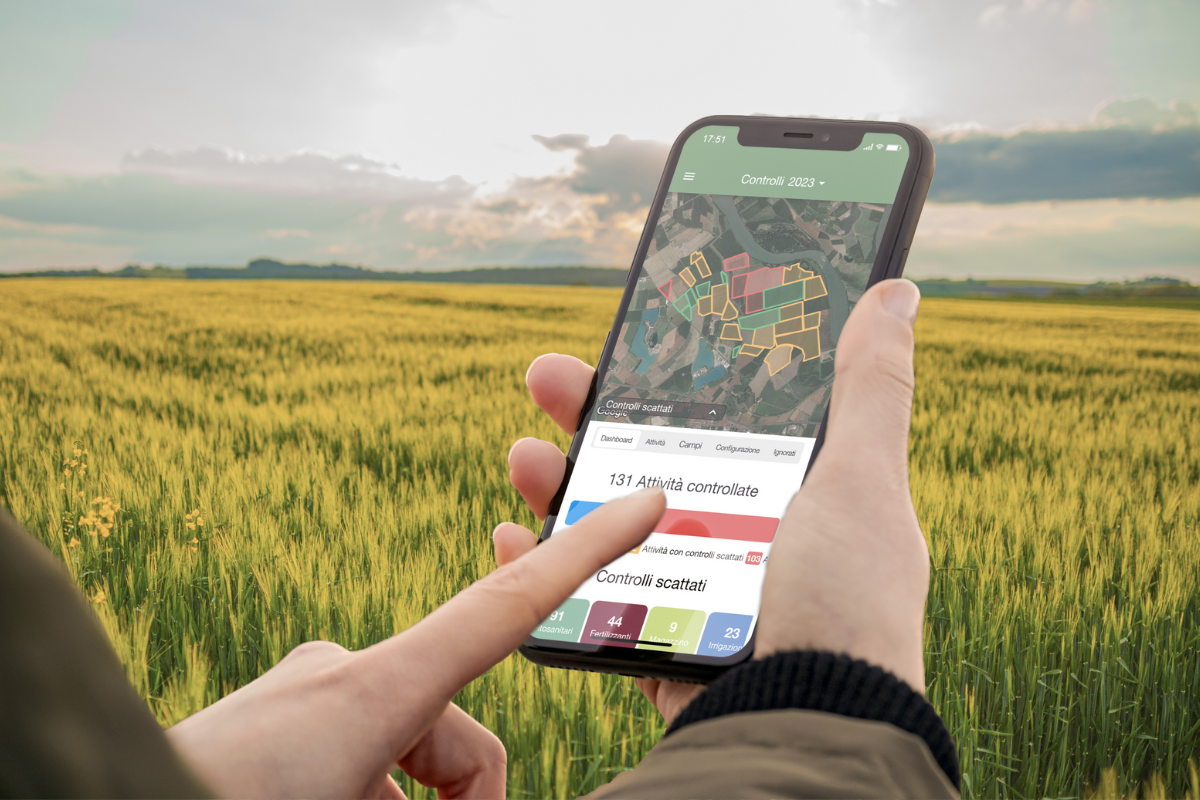
AgroProfit works as digital farm record-keeping:
- operations and costs by field and crop
- seeds, fertilizer, crop protection, fuel, mechanization, labor
- income and real profit
- field maps
- PDF/Excel reports
- a 60-day free trial
Instead of searching notebooks before an inspection or planting, you have history in one place.
Common Mistakes
- Logging operations without a field
- Logging purchases without field usage
- Mixing multiple seasons in one sheet
- Entering rough guesses at month-end
- Ignoring mobile entry (data arrives late—or never)
FAQ
Do I need operation records if I already have an accountant?
Yes. Your accountant sees farm finances. You need production records by field to manage the season and profit.
How detailed should entries be?
Detailed enough to reproduce what was done and what it cost. Start simple, then add details (e.g. weather at spraying) where inspections require them.
What should I move from paper first?
Your field list, the current season, and all crop protection/fertilizer treatments. History can be backfilled gradually.
Replace the Notebook with Digital Records
Start your free 60-day AgroProfit trial and keep field operation records by parcel—with costs and profit in one place.