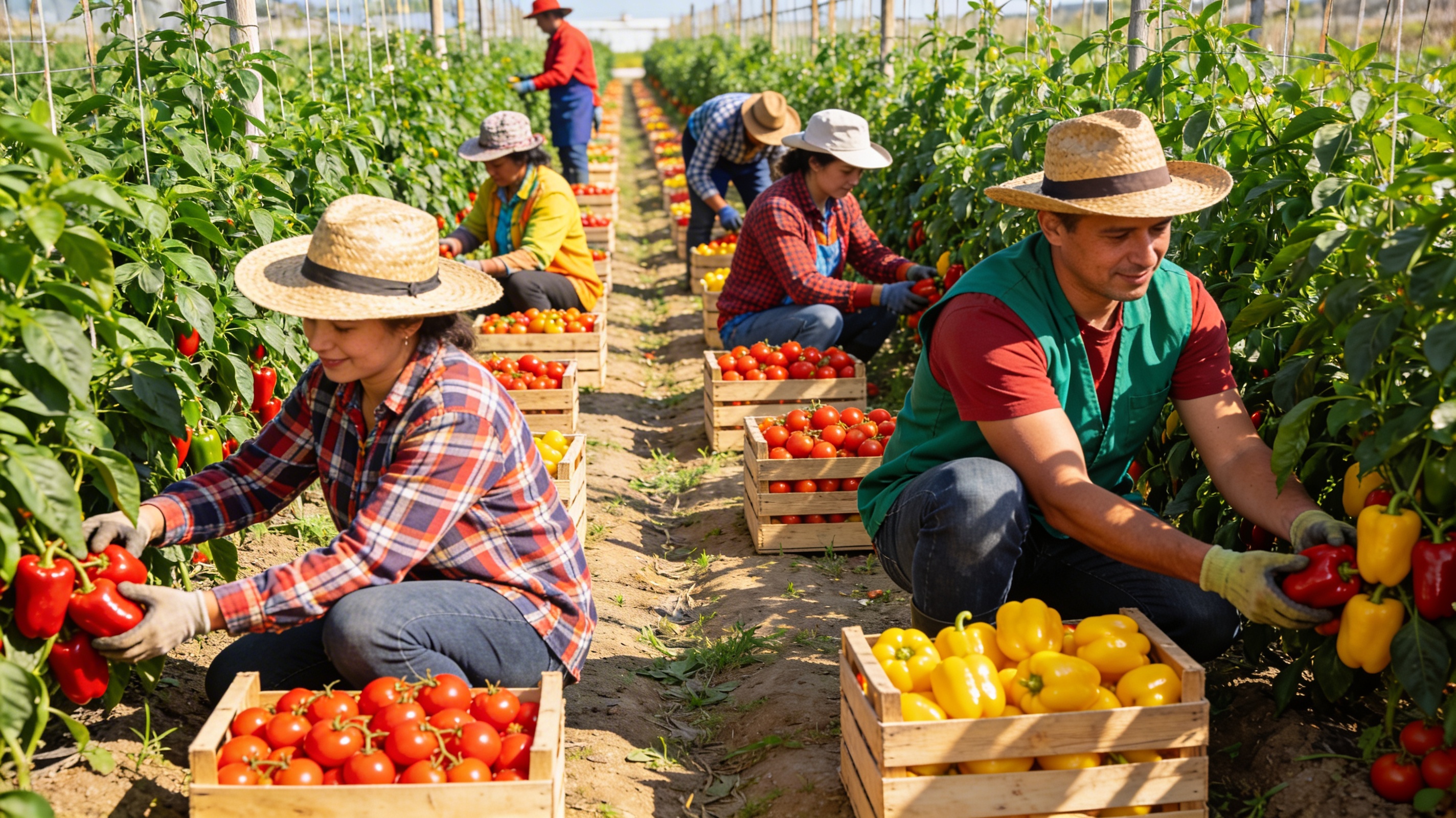
You bought fertilizer in March, seeds in April, and pesticides in May. By harvest time, you've forgotten half of what you spent. You know you spent money, but you don't know exactly how much, where it went, or if you got value for it.
This is how small farms lose money: not tracking input costs means you can't see where money is wasted, which fields are too expensive, or which crops aren't worth growing. AgroProfit tracks every farm input cost automatically, so you know exactly where your money goes and can make better decisions.
The Hidden Cost of Not Tracking Input Costs
When you don't track input costs, you lose money in several ways:
1. Overspending on Inputs
Without tracking, you might:
- Buy more fertilizer than you need because you forgot what you already have
- Apply pesticides too frequently because you don't track application history
- Over-seed because you don't know your actual seeding rates
- Waste fuel by not tracking which fields need attention
These small wastes add up. A 10% overspend on inputs can easily cost $500-2,000 per season on a small farm.
2. Not Knowing Which Fields Are Too Expensive
Some fields cost more to farm than others due to:
- Poor soil requiring more fertilizer
- Drainage issues requiring more management
- Distance from storage requiring more fuel
- Pest pressure requiring more pesticides
Without tracking input costs per field, you don't know which fields are eating your profit. You might keep farming expensive fields when you should change crops or management practices.
3. Missing Cost Trends
Input costs are rising. Fertilizer prices increased 30-50% in recent years. Pesticide costs are up. Fuel costs fluctuate. Without tracking, you don't see these trends or adjust your budget accordingly.
4. Poor Decision Making
When you don't know your input costs, you make decisions based on guesswork:
- Should you plant more corn or soybeans? (You don't know which costs more)
- Should you reduce fertilizer rates? (You don't know current rates)
- Should you switch crops? (You don't know input cost differences)
These decisions affect your entire season, but you're making them blind.
What Are Farm Input Costs?
Farm input costs are everything you buy or use to grow crops:
- Seeds: Corn, soybeans, wheat, vegetables, etc.
- Fertilizers: Nitrogen, phosphorus, potassium, lime, micronutrients
- Pesticides: Herbicides, fungicides, insecticides
- Fuels: Diesel, gasoline for tractors and equipment
- Labor: Wages for planting, spraying, harvesting
- Equipment: Depreciation, repairs, maintenance
- Other inputs: Irrigation, custom services, storage, etc.
Every input has a cost, and every cost should be tracked. AgroProfit makes this easy.
How AgroProfit Tracks Every Input Cost
AgroProfit is designed to track every farm input cost automatically. Here's how it works:
1. Seed Cost Tracking
Track seed purchases and usage:
- Record seed purchases with price and quantity
- Link seed usage to specific fields and crops
- See seed cost per field and per acre automatically
- Track inventory so you know what you have
Example: You buy 50 bags of corn seed at $300 per bag. AgroProfit tracks the purchase, then automatically calculates cost per field as you record planting operations.
2. Fertilizer Cost Tracking
Track every fertilizer application:
- Record fertilizer purchases with price and type
- Log applications with date, field, crop, rate, and cost
- See fertilizer cost per field and per acre
- Compare fertilizer costs across fields and seasons
Example: You apply 200 lbs of nitrogen to Field A at $0.60 per lb. AgroProfit records the $120 cost and links it to Field A automatically.
3. Pesticide Cost Tracking
Track all pesticide applications:
- Record pesticide purchases
- Log spray applications with product, rate, field, and cost
- See pesticide cost per field and per crop
- Track application history to avoid over-spraying
Example: You spray Field B with herbicide costing $25 per acre. AgroProfit tracks the cost and shows total pesticide spending per field.
4. Fuel Cost Tracking
Track fuel consumption for all operations:
- Record fuel purchases
- Link fuel usage to field operations (planting, spraying, harvesting)
- See fuel cost per field and per operation
- Identify fields that require more fuel due to distance or conditions
Example: Planting Field C used 15 gallons of diesel at $4 per gallon. AgroProfit records the $60 cost and links it to Field C.
5. Labor Cost Tracking
Track labor costs per field operation:
- Record labor hours for planting, spraying, harvesting
- Link labor to specific fields
- See labor cost per field and per crop
- Compare labor efficiency across fields
Example: It took 8 hours to plant Field D at $20 per hour. AgroProfit records the $160 labor cost.
6. Mechanization Cost Tracking
Track equipment costs:
- Record equipment purchases and depreciation
- Track repairs and maintenance
- Allocate equipment costs to fields based on usage
- See total mechanization cost per field
Example: Tractor repairs cost $500 this season. AgroProfit allocates this cost across fields based on hours used.
7. Automatic Cost Calculations
AgroProfit automatically calculates:
- Total input cost per field: Sum of all inputs used on that field
- Input cost per acre: Cost divided by field size
- Input cost per crop: Total inputs for that crop across all fields
- Input cost trends: Compare costs across seasons
You see these calculations in real-time as you enter data. No manual math required.
Real Example: How Input Cost Tracking Saves Money
Here's a real scenario from a farmer using AgroProfit:
Before tracking:
- Field A: Planted corn, spent roughly $400/acre (estimated)
- Field B: Planted corn, spent roughly $400/acre (estimated)
- Assumed both fields cost the same
After tracking with AgroProfit:
- Field A: Actual cost $380/acre (profitable)
- Field B: Actual cost $450/acre (barely profitable)
- Discovered Field B needed more fertilizer due to poor soil
Action taken: Reduced fertilizer on Field B, switched to soybeans next season. Saved $70/acre × 20 acres = $1,400 per season.
This is the power of input cost tracking: you see where money is wasted and can make changes.
How to Start Tracking Input Costs
Getting started with input cost tracking in AgroProfit is simple:
- Set up your fields: Create your field list with acreage
- Record purchases: When you buy seeds, fertilizer, pesticides, fuel, log the purchase
- Record usage: As you use inputs (planting, spraying, etc.), link usage to fields
- See costs automatically: AgroProfit calculates costs per field, per acre, per crop
- Review and optimize: Use cost data to make better decisions
Start your free 60-day AgroProfit trial and begin tracking input costs today. No credit card required.
Benefits of Tracking Input Costs
Farmers who track input costs with AgroProfit report:
- 💰 Identify 10-20% cost savings by seeing where money is wasted
- 📊 Make better crop decisions based on actual input costs
- 🎯 Optimize input usage by comparing costs across fields
- 📈 Improve profitability by focusing on cost-efficient fields and crops
- ⏱️ Save time with automatic cost calculations
- 📱 Track on the go from phone, tablet, or computer
Common Input Cost Tracking Mistakes
Avoid these common mistakes:
- Only tracking obvious costs: Don't forget labor, equipment, and indirect costs
- Not linking costs to fields: Track costs per field, not just total farm costs
- Forgetting to record usage: Record when you use inputs, not just when you buy them
- Mixing seasons: Keep costs organized by season
- Not reviewing regularly: Check costs during the season, not just at the end
AgroProfit helps you avoid these mistakes with structured data entry and automatic organization.
Input Cost Tracking Best Practices
For best results:
- ✅ Record purchases immediately: Don't wait—log costs as you spend
- ✅ Link everything to fields: Know which field each cost belongs to
- ✅ Review costs regularly: Check costs weekly or monthly during the season
- ✅ Compare across fields: See which fields cost more and why
- ✅ Use historical data: Compare this season to last season
- ✅ Make adjustments: Use cost data to optimize next season
AgroProfit makes these best practices easy with automatic tracking and real-time calculations.
Get Started Today
Stop losing money on untracked input costs. Start your free 60-day AgroProfit trial and begin tracking every input cost automatically.
Know where your money goes. See which fields cost too much. Make better decisions based on real data.